Get going with Waypoint.
Guides for getting going with Waypoint, starting with your first Chip Build.
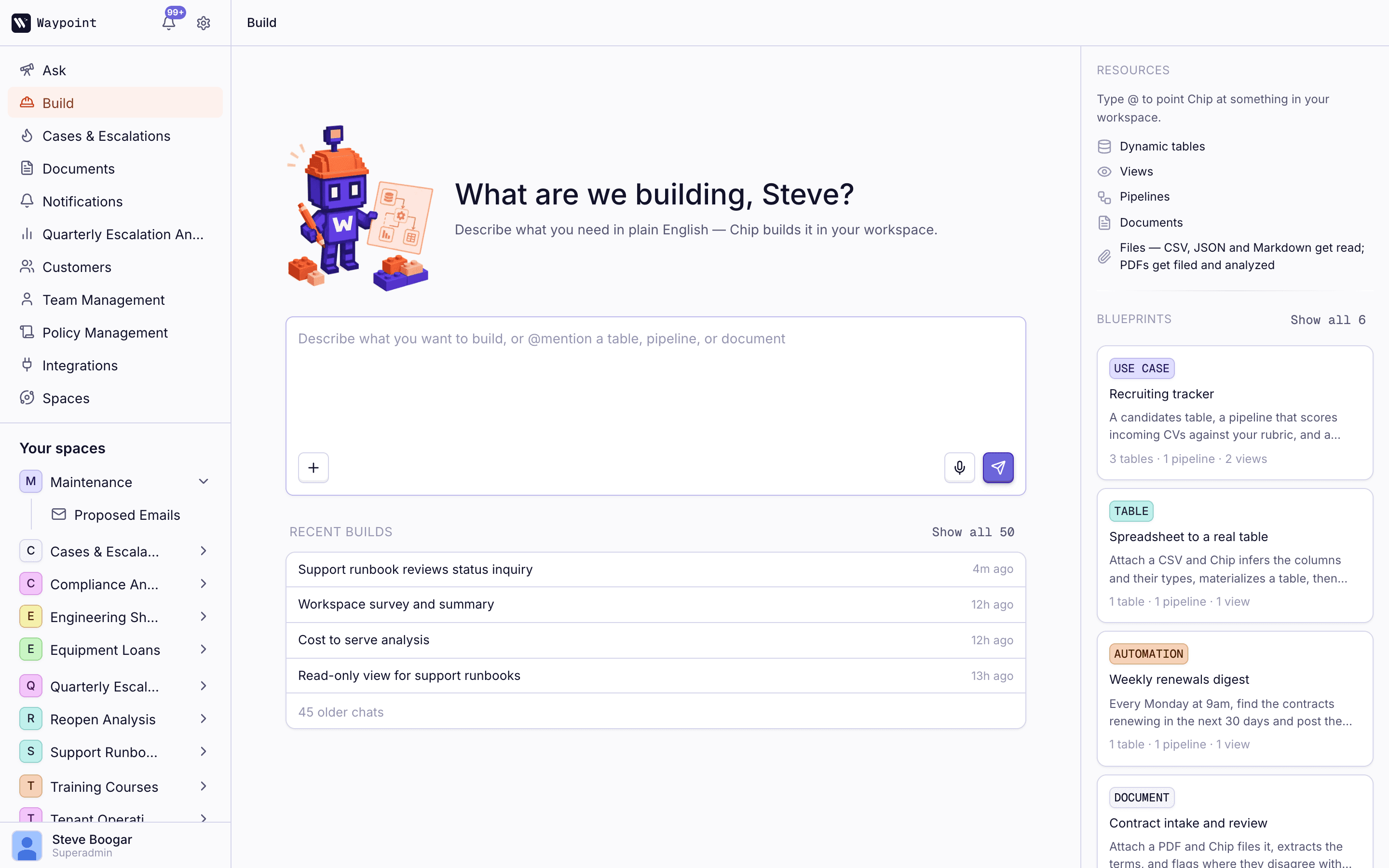
Build
Ask
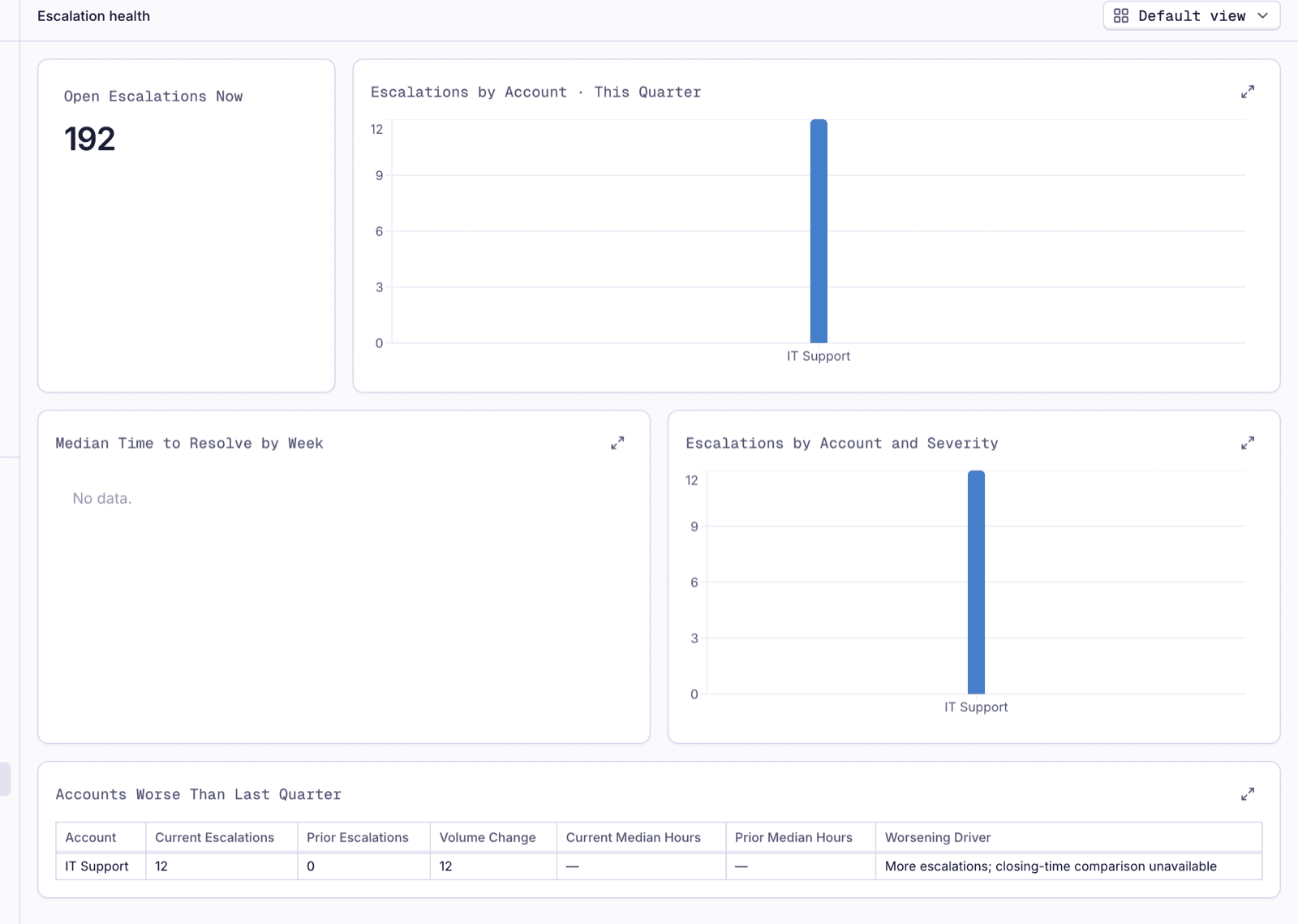
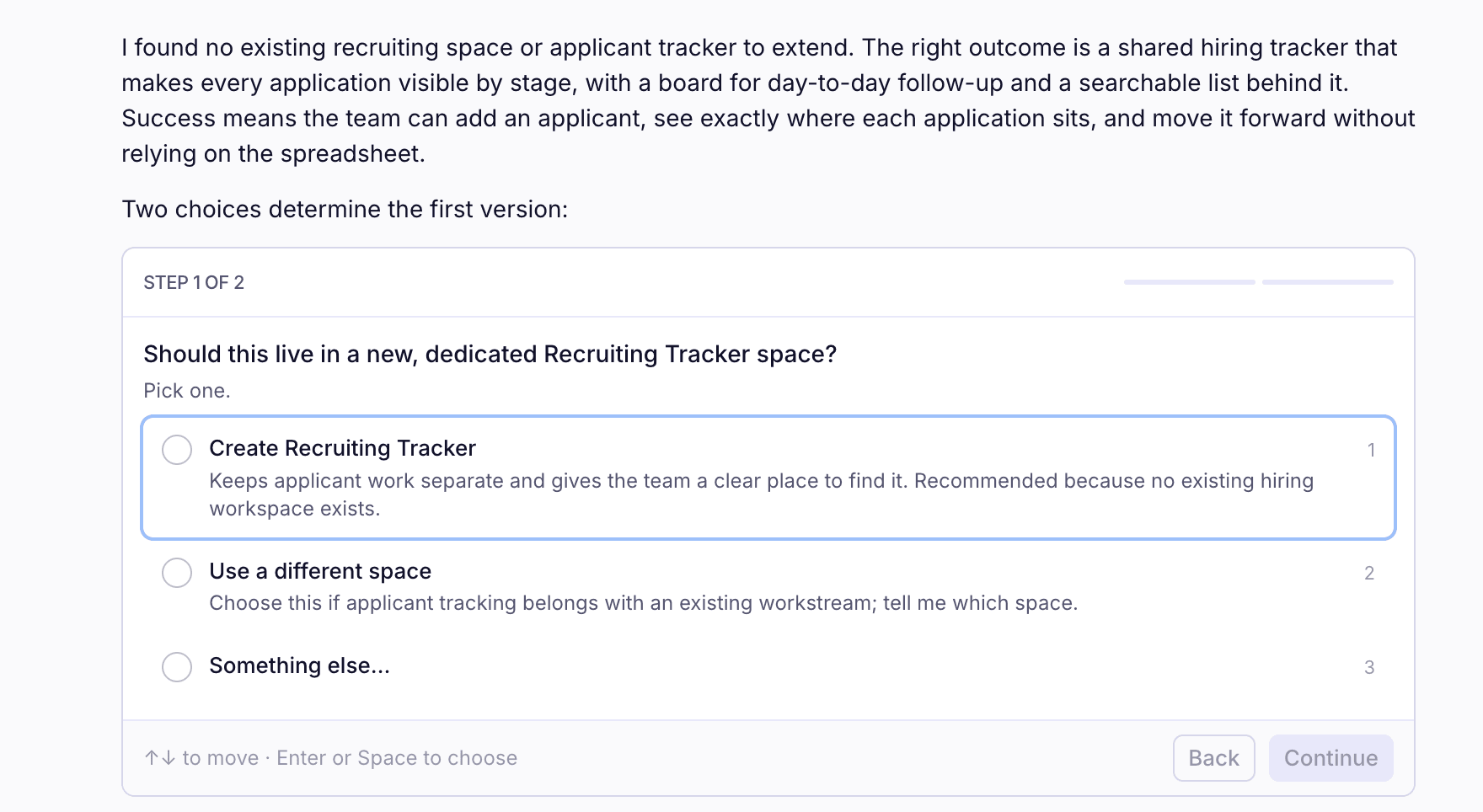
AskQuestions answered from your own history, every source linked: in the web app, the browser extension, Slack & the plugins.Technical Support RequestsA symptom in, the history & the fix out, every case linked.Catch up on any case in one questionA case number in, the whole case out: the thread, the ticket & where it stands.Spot the patterns across your casesWhat is driving escalations this month, with the cases behind every number.
Platform
How Waypoint fits togetherYour systems as agent-ready data, Chip in two modes, pipelines that run the work & results in the systems your team already uses.The pipeline builderTriggers, steps, branches, drafts & versions.Agents as stepsThe step that reads, looks things up & decides.Labels & routingPolicies that label, routes that follow the label & how accuracy is watched.Where it runsWaypoint's cloud or yours, bring your own model.
Examples
Wait-time SLA trackingWhat is waiting now, a history of waits & whether you are getting faster.A morning summary for every team leadOne job, one Slack post per team & a snapshot you can query.Instantly modify existing viewsChip reads the screen you already have, proposes the change & rebuilds it in place.Draft and approve outreachChip drafts. Dragging a card to approved is what sends.A weekly escalation write-upMatches the format you already send & runs ahead of the call.Which labeling policy is getting it wrongAn explorer over run history by policy, label pair & confidence band.Contract renewal alertsA daily job that emails the account owner 30 & 7 days out.Contract terms checked against policyOne row per term with its clause reference & a policy label.Spreadsheet to automationAttach a spreadsheet. Chip loads a typed table, then one more sentence makes it an automation.A recruiting tracker from a spreadsheetA spreadsheet of applicants becomes a tracker with a board, a list & a written record.